 Charge Dash
BEHIND THE DASH ·
A quieter kind of battery app.
No new account, no ads and no third-party tracking. How the Charge Dash battery app uses your existing Apple Account and private iCloud database.
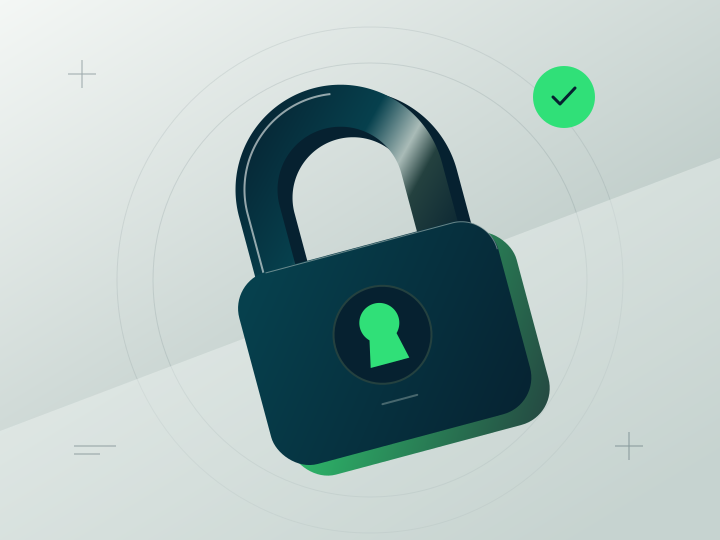
A battery dashboard has a small job: show you which of your devices needs power. We think its data footprint should fit that job.
Your existing Apple Account is enough
Charge Dash keeps battery data on your devices and uses your private iCloud database to sync between Mac and iPhone or iPad. Your paired iPhone exchanges the combined list with your Watch.
There is no separate Charge Dash account to create, password to remember or custom server holding your dashboard.
Only what makes the dashboard work
The app handles battery percentages, charging states, device types, names, observation times and your display preferences. These make the combined list useful, readable and yours.
Charge Dash has no advertising, third-party analytics or cross-app tracking. Nimblesite does not receive your battery dashboard data.
A nudge, when you ask for one
Charging alerts are optional. The Watch asks for notification permission only after you enable them. If you prefer to check the widget yourself, you can leave alerts off.
The privacy policy explains storage, Apple services and deletion in more detail.