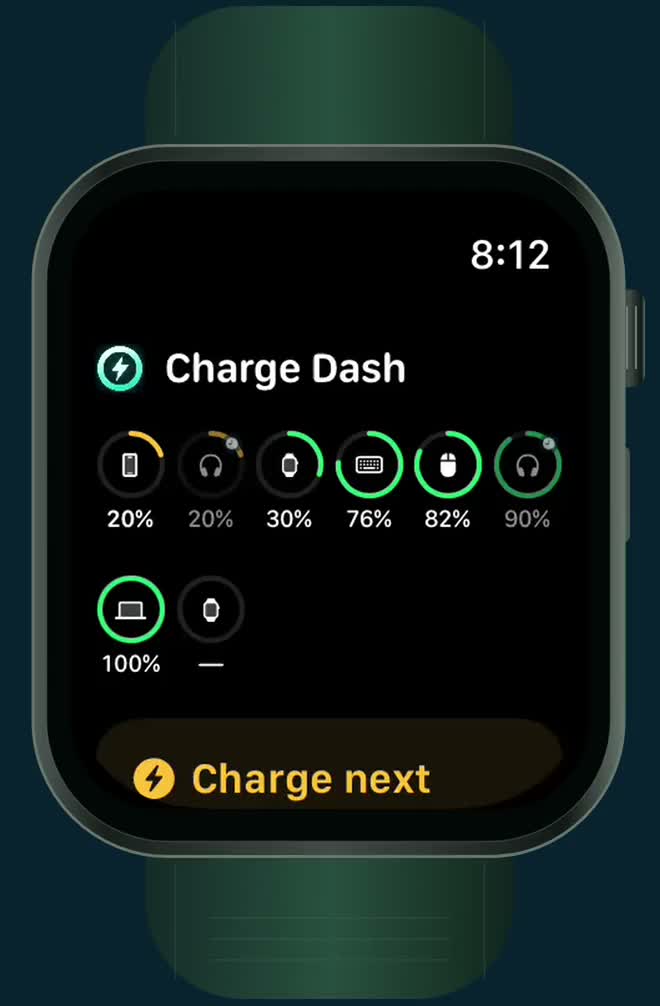
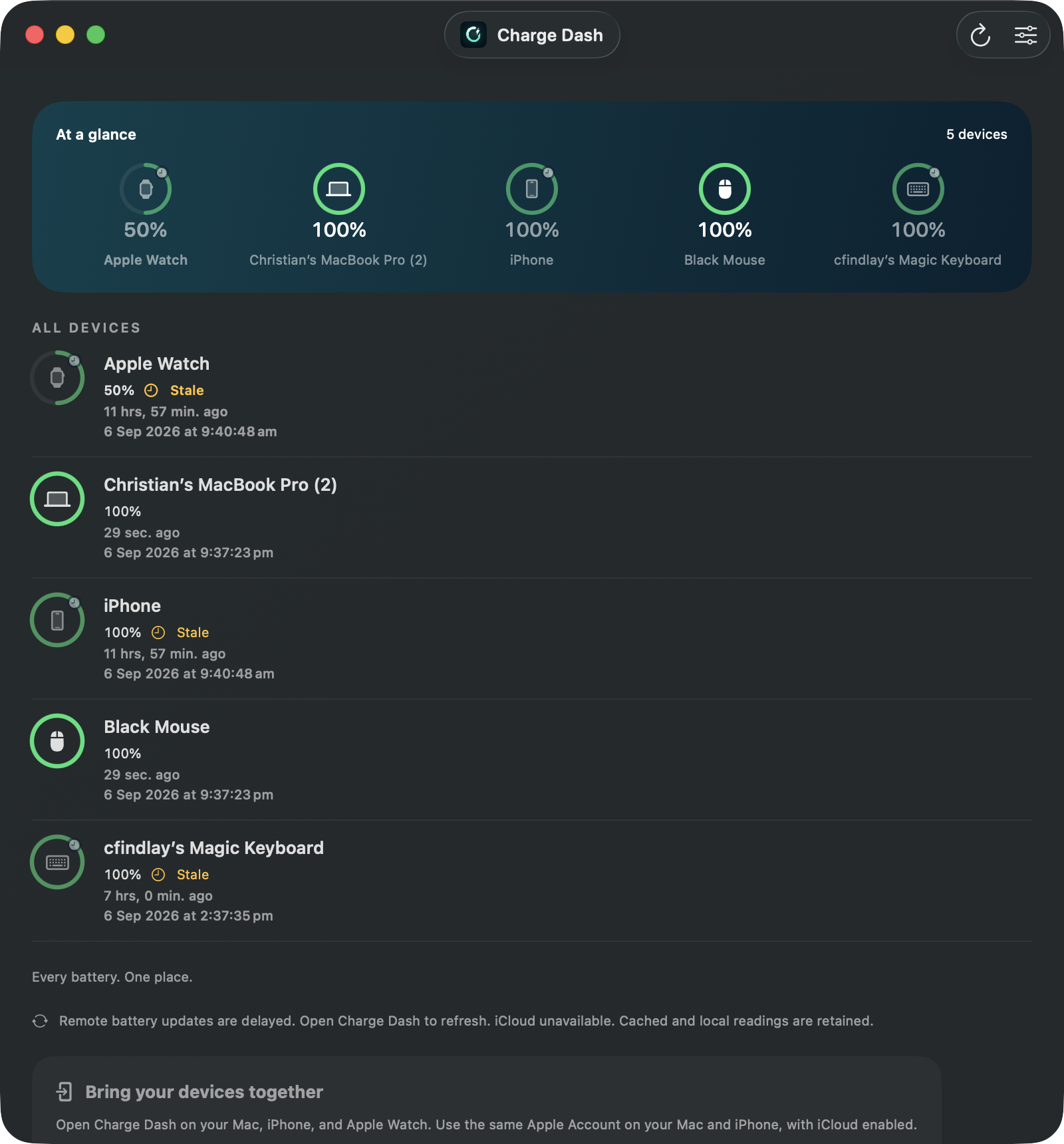
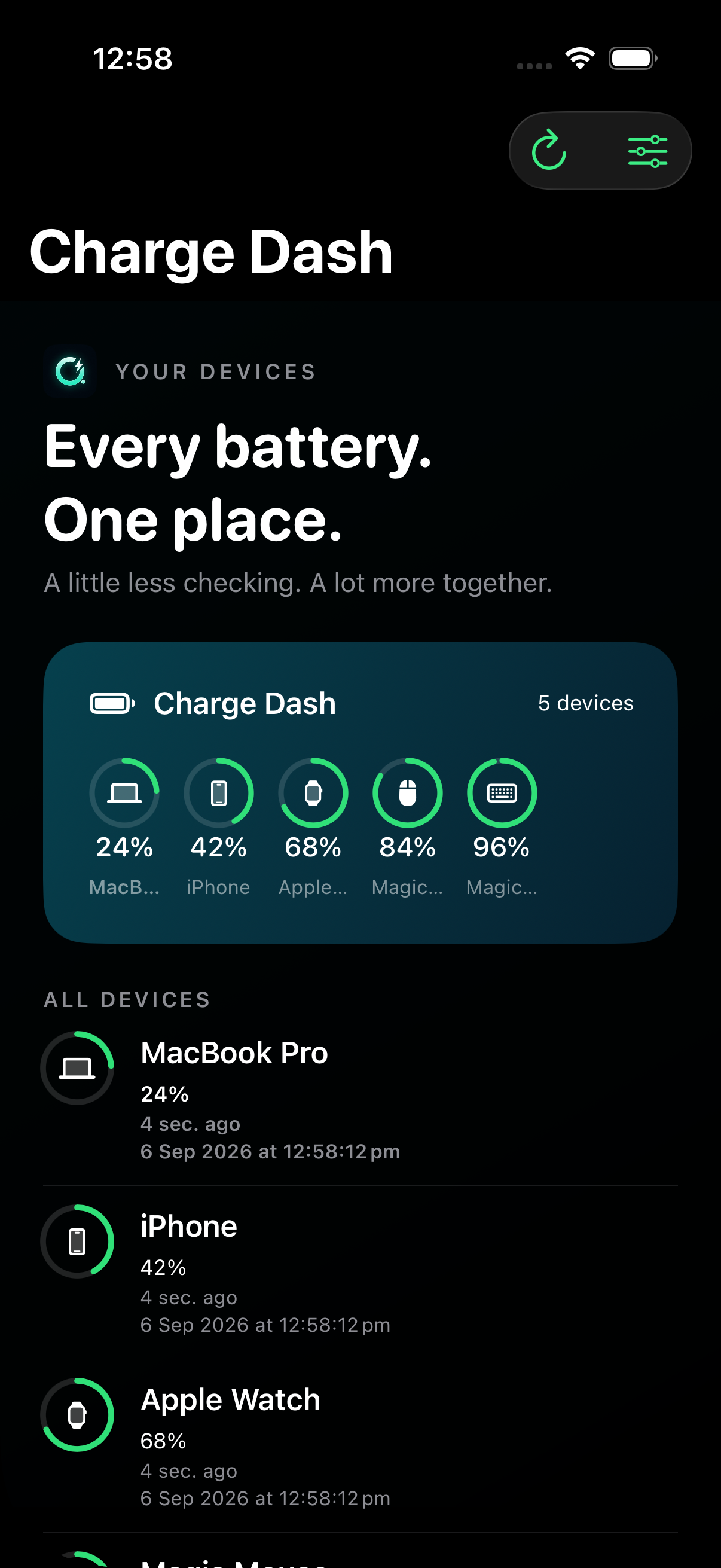
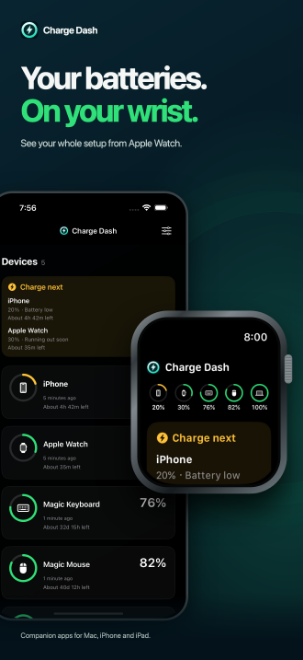
Mac, iPhone, iPad, AirPods, Bluetooth headphones, Magic Mouse and Magic Keyboard on one dashboard that syncs itself. On your wrist too, if you wear an Apple Watch.
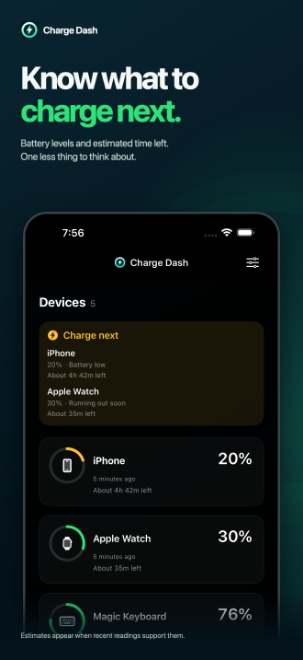
Every battery Charge Dash can read—Mac, iPhone, iPad, Magic Mouse, Magic Keyboard, Magic Trackpad and AirPods, plus the Bluetooth headphones, earbuds and speakers paired to your Mac—on one list. Whatever needs power comes first.
Your devices report their own batteries and share the list through your existing Apple Account. Widgets keep it on your Home Screen, desktop and menu bar.
Charge Dash is in open public beta on TestFlight for Mac and iPhone, with the iPad and Apple Watch apps along for the ride. Install it in a couple of minutes and tell us what to fix before it reaches the App Store.
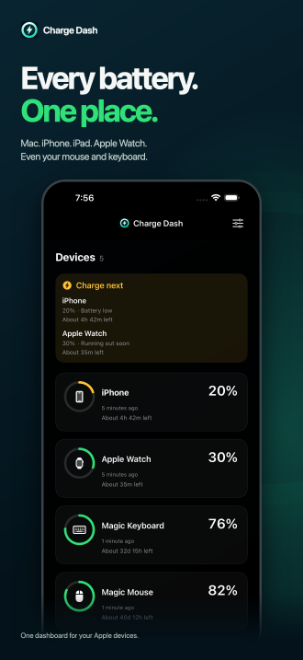
Install Apple's free TestFlight app, open the link, and you are in. No account to create, no card, no waitlist. Images below are from the iPhone app, framed for the store listing.
Every battery, one listOn your wrist tooKnow what to charge next
GOOD QUESTIONS
Before you ask.
How do I get Charge Dash?
It is in open public beta on TestFlight, free and with no waitlist. Install Apple's TestFlight app, open the Charge Dash beta link, and the Mac and iPhone apps install from there, along with the iPad and Apple Watch apps. The App Store release is coming soon.
Do I need an Apple Watch?
No. Charge Dash works on your Mac and iPhone on their own, with widgets for your Home Screen, desktop and menu bar. If you do wear an Apple Watch, you also get the Smart Stack widget and the full dashboard on your wrist.
Which batteries does it show?
Every battery your devices report: Mac, iPhone, iPad and Apple Watch, plus Magic Mouse, Magic Keyboard, Magic Trackpad and AirPods when your Mac supplies their readings. The Bluetooth headphones, earbuds and speakers paired to your Mac are on the list too. Charge Dash is not limited to five devices.
Do my headphones and earbuds show up?
Yes, and not only Apple's. Every Bluetooth headphone, earbud and speaker paired to your Mac is on the list. AirPods and Beats report their charge to your Mac on their own, with separate left, right and case levels when they supply them. For other brands, Charge Dash reads the same level macOS shows in its own Bluetooth menu. That reading is on unless you turn off Read accessory charge from Bluetooth in Manage devices. Anything that reports no level keeps its place with a dash instead of a percentage.
Where does my battery data go?
It stays on your devices and in your own private iCloud database. There is no separate Charge Dash account, no ads and no third-party tracking, and Nimblesite never receives your dashboard.
LESS CHECKING. MORE LIVING.
All together. Ready when you are.
Mac, iPhone and iPad. Apple Watch if you wear one. Free on TestFlight today.
 Charge Dash