 Charge Dash
ON YOUR WRIST ·
Every battery. One dashboard.
Every battery Charge Dash can read, brought together on your wrist.
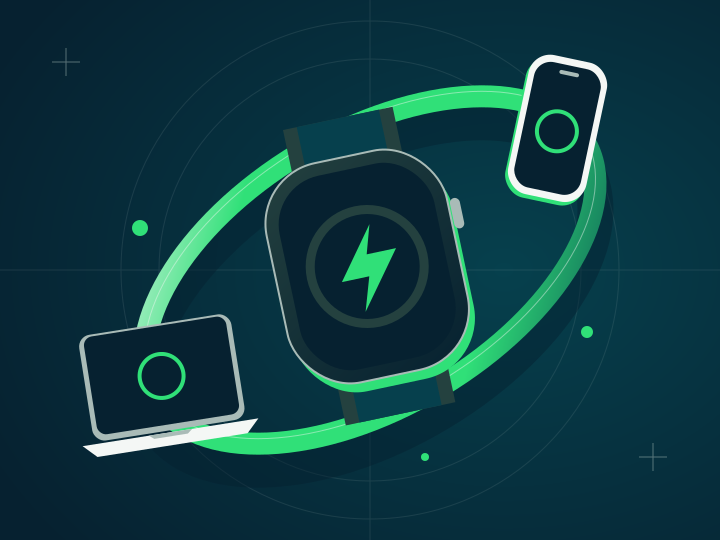
Your mouse is on the desk. Your phone is in your pocket. Your Mac is asleep in your bag. Your keyboard or trackpad may be somewhere else. Checking what needs charging should not mean waking up every screen.
Charge Dash brings every battery it can read to the screen already on your wrist.
The small view that sees the big picture
The Watch app shows the full list: your Mac, iPhone and Apple Watch, plus every connected mouse, keyboard, trackpad and other supported battery device reported by the system. Each has its own icon, battery ring and percentage. A charging bolt appears when the device reports that it is charging.
The Smart Stack gives you a quick view. Tap it and the Watch app opens the complete dashboard with names, reading times and every available device.
The battery that needs you comes first
The order is practical. Devices that are not charging appear from lowest known charge to highest. Devices with unavailable percentages follow, and confirmed charging devices come last.
That keeps the next device to plug in easy to spot, without a chart to interpret.
Bring your companions
The Mac and iPhone apps are part of the picture. Each collects local readings, and the paired iPhone delivers the combined list to Watch. Mice, keyboards, trackpads and other supported accessories join when your Mac supplies their readings.
Open the apps on your devices, use the same Apple Account on Mac and iPhone, then add Charge Dash to your Smart Stack. Your battery check just got smaller.